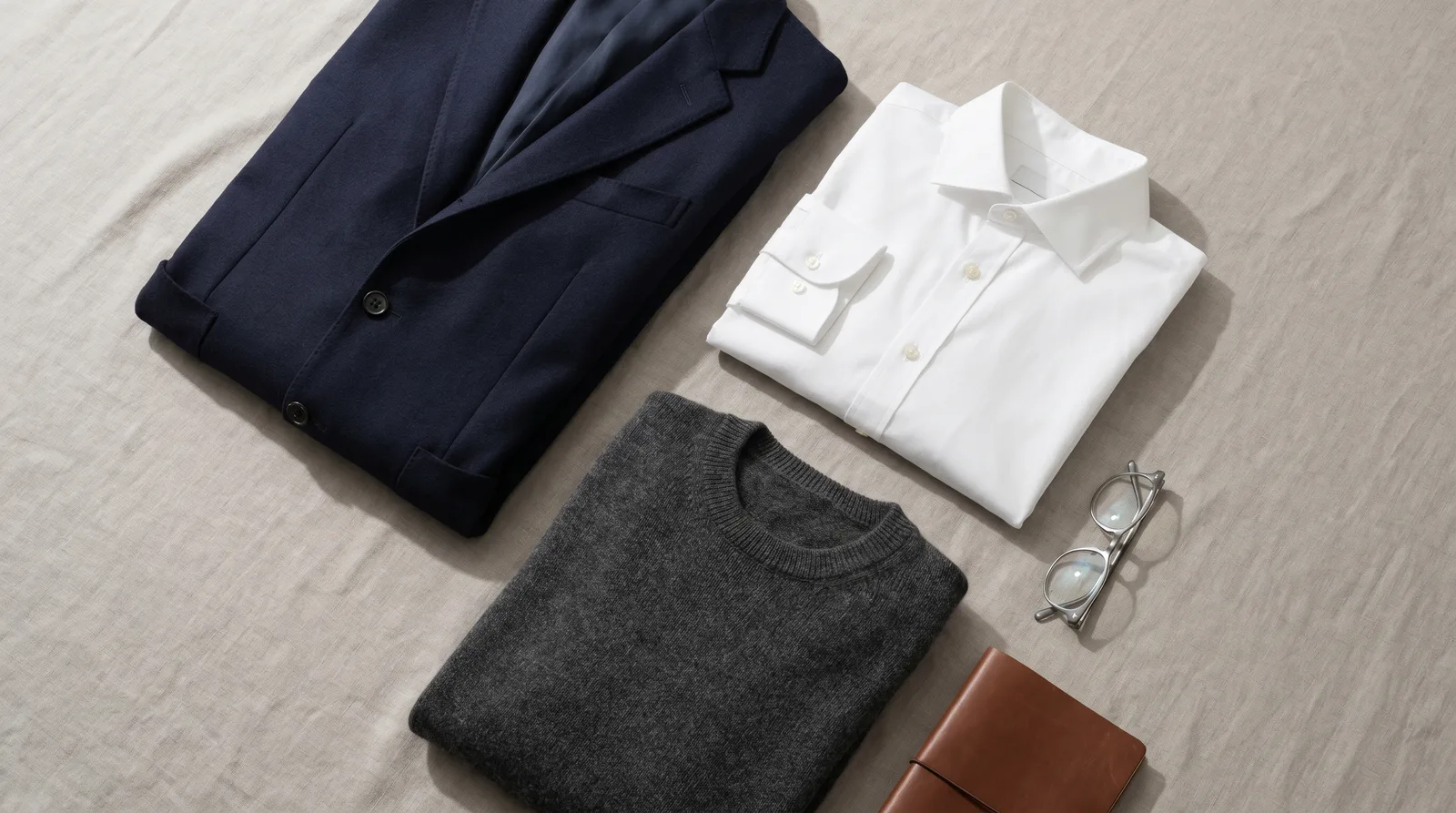
Your LinkedIn headshot is roughly 120 pixels wide on most feeds. Detail loss is brutal — patterns dissolve, fine textures muddy up, and busy outfits become noise. The right wardrobe choices look intentional at full size and still readable at thumbnail size.
Defaults that almost always work
- Solid-color crewneck, V-neck, or collared shirt in navy, charcoal, white, or muted earth tones.
- Structured blazer over a plain shirt — adds shape without distracting from your face.
- Knitwear in a single solid color for a softer, less corporate look that still reads as professional.
What to avoid
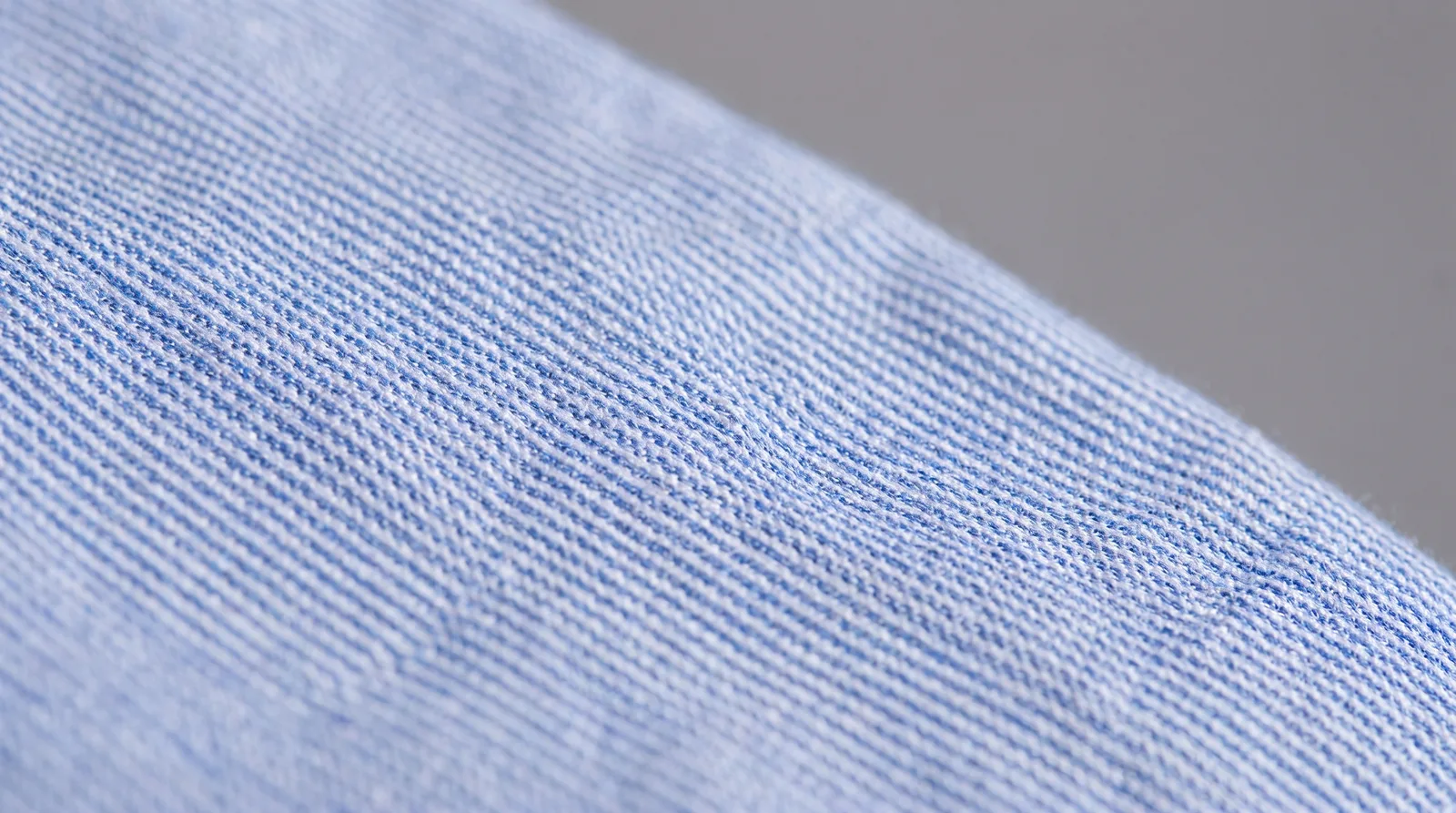
- Fine stripes, small checks, or tight patterns — these create moiré artifacts at thumbnail size.
- Logos and slogans — they pull the eye and date your photo to a specific company.
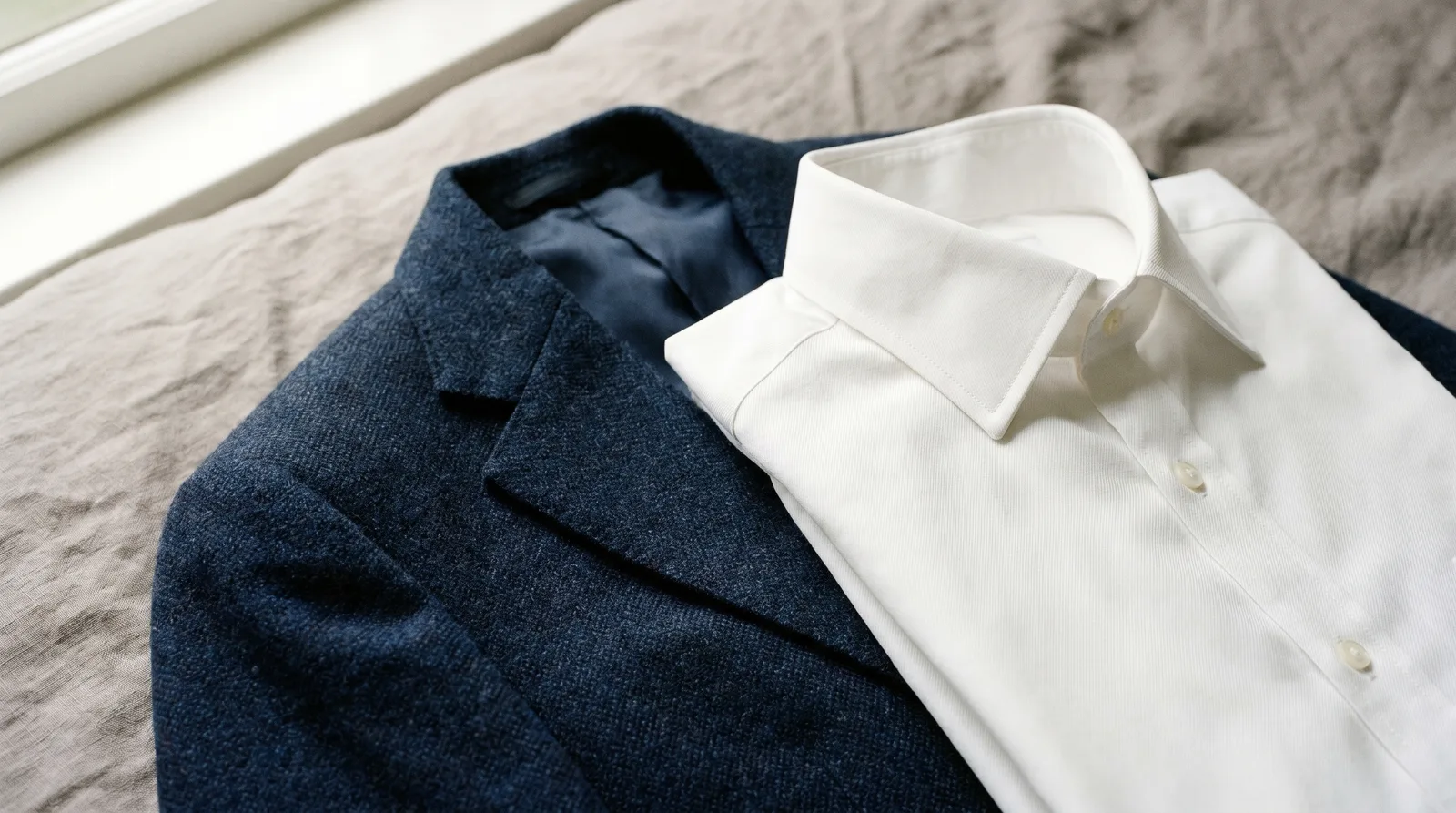
- Pure white shirts under harsh lighting — they blow out and lose detail. Off-white or light grey is safer.
- Strapless tops or anything that looks like you are not wearing clothes at the crop — readers should not have to think about it.
Industry-specific notes
Finance, law, consulting
Suit jacket with a plain shirt. Tie optional in 2026 — even at senior levels, a clean open collar reads as confident rather than casual.
Tech, startups, product
Solid tee or henley under a blazer, or a high-quality crewneck sweater. The signal is "I take this seriously but I am not pretending to be a banker."
Creative, media, design
You have more room. A single piece of distinctive eyewear, a textured knit, or a strong color in a solid block is fine. Avoid layering more than one statement element.
Healthcare, education
Plain collared shirt or solid blouse in calm colors. Save the white coat for clinical photos on your practice page — on LinkedIn it looks costume-y.
Color advice that survives the thumbnail
Pick one color that contrasts clearly with your background. If your background is light, wear a darker top; if dark, wear something lighter than your skin tone. This contrast is what makes the photo readable at small sizes.
If you are using an AI headshot generator
Most AI tools let you pick an outfit style separately from the photos you upload. Upload selfies in plain clothes against an uncluttered background — the model will learn your face better when nothing competes for its attention. Then pick the wardrobe in the style step.
If your tool uses your uploaded clothes (some do), follow the rules above on the source selfies too.