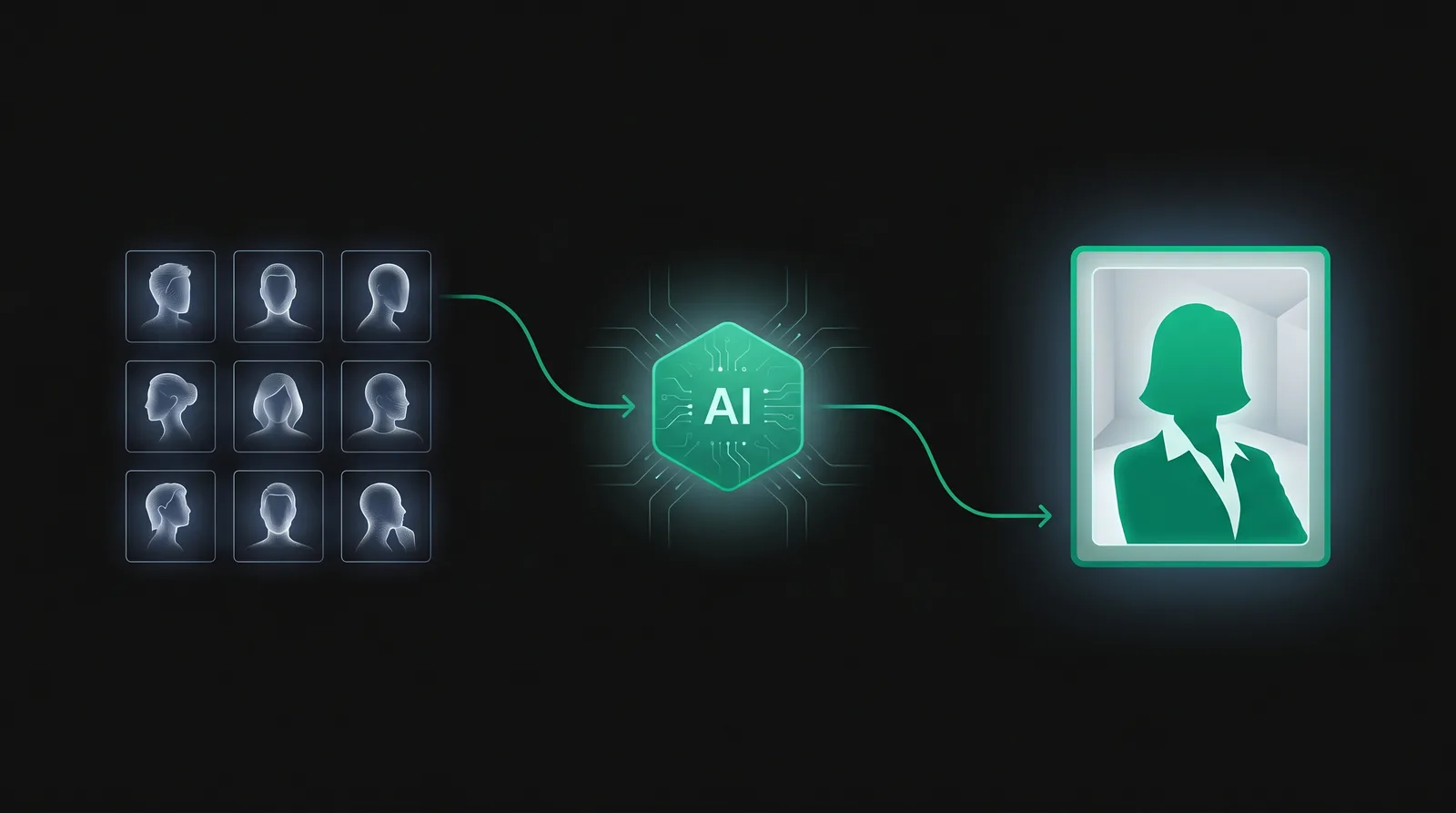
Most AI headshot tools work the same way under the hood, even though the marketing copy makes them sound mysterious. Here is what is actually happening when you upload selfies and get back studio-quality portraits.
Step 1: Learn what you look like
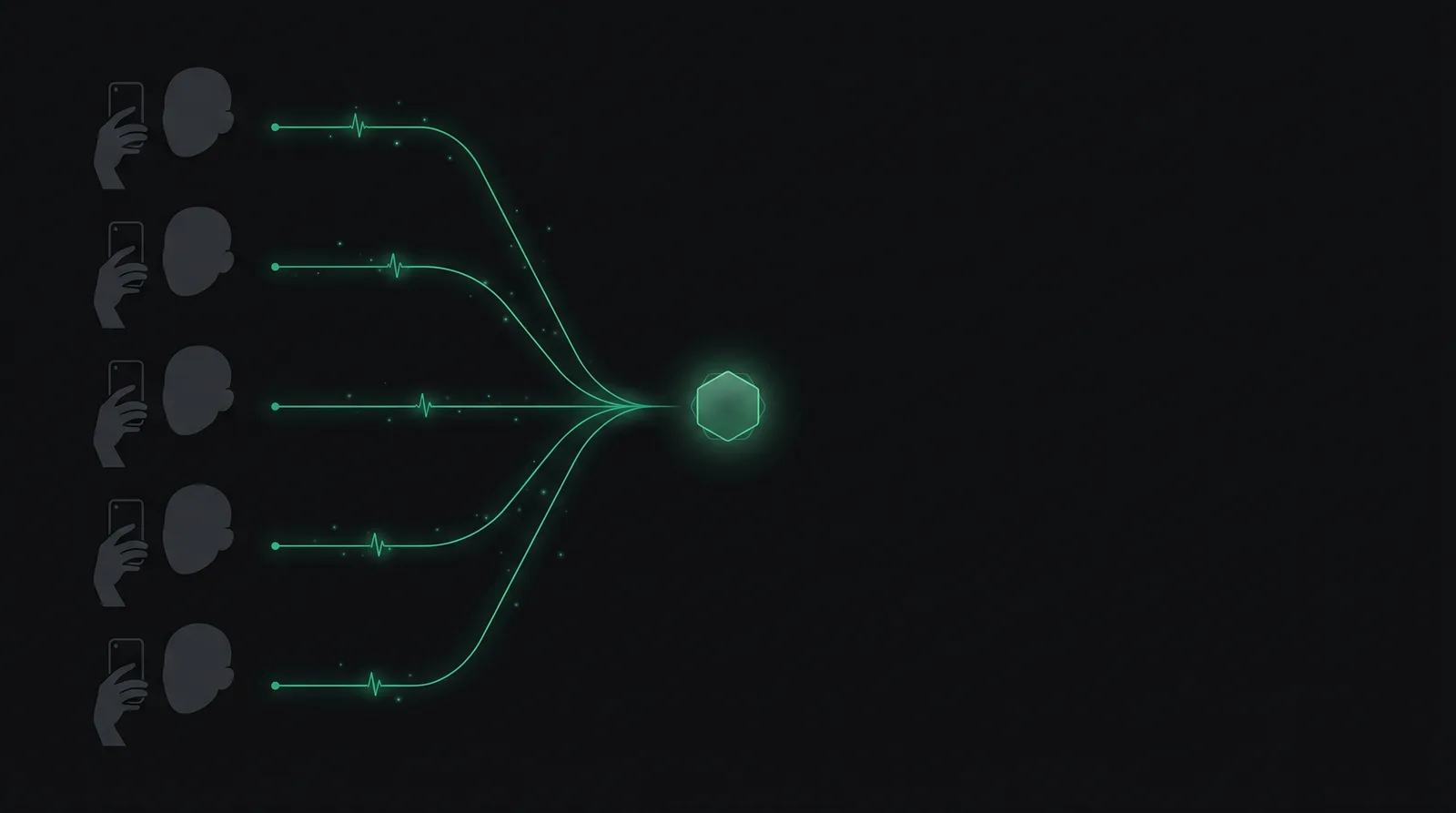
When you upload 8–20 selfies, the tool fine-tunes a generative image model on those photos. The fine-tuning teaches the model a compact representation of your face — bone structure, eye shape, skin texture, hair pattern — without memorizing the photos themselves.
This is why variety in your source photos matters more than quantity. Five photos from five different angles in different lighting are more useful than twenty near-identical selfies from your phone.
Step 2: Generate new photos with a style prompt
Once the model "knows" you, the tool combines that knowledge with a style prompt like "professional headshot, navy blazer, soft studio lighting, neutral grey background." The model generates new images of you in that style — these images do not exist in any database; they are produced fresh each time.
Step 3: Post-processing and selection
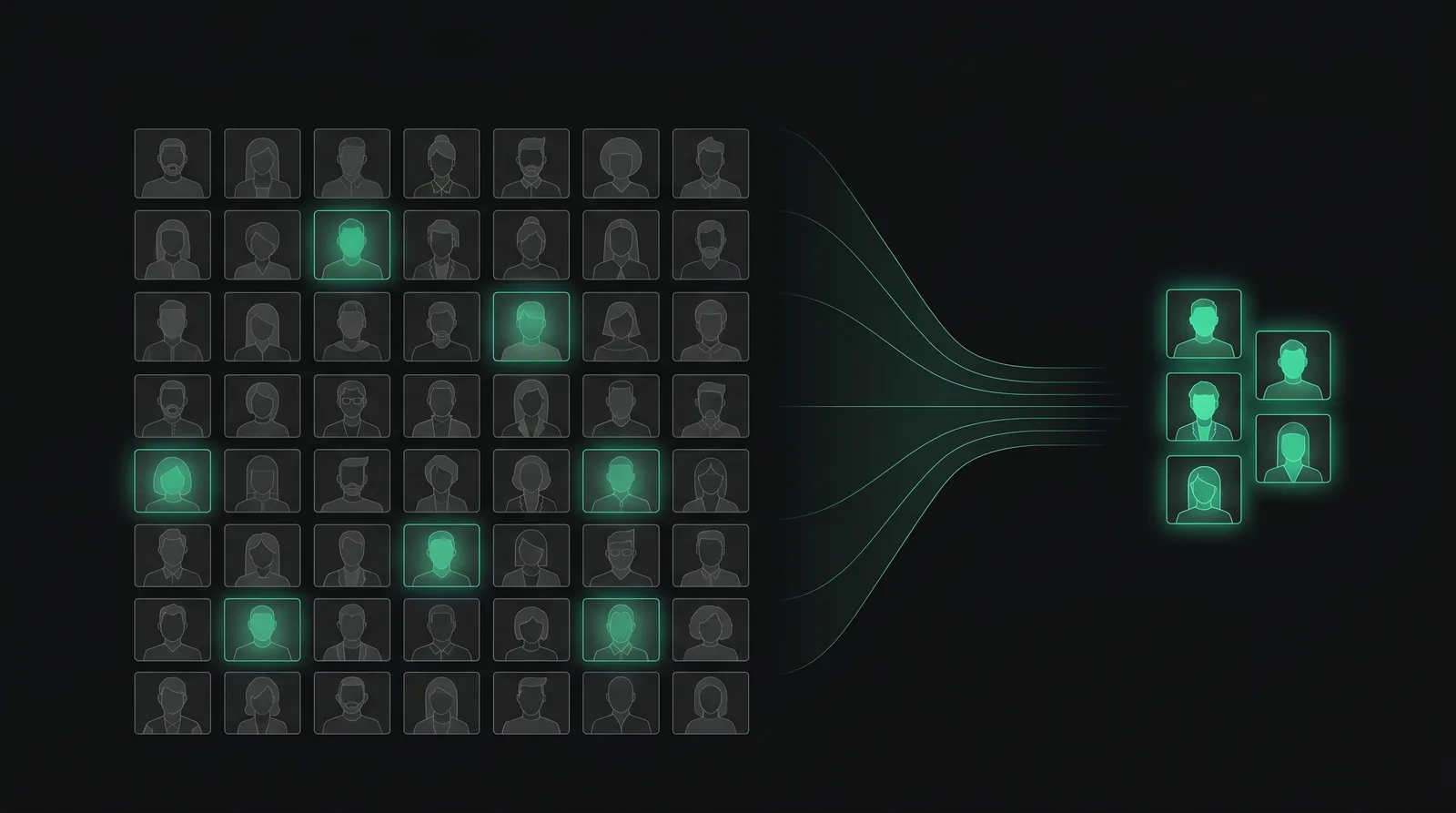
Raw outputs always include some failures — wrong number of fingers, distorted ears, eyes that drift. Good tools generate far more images than they show you and run automatic filters to remove the obvious failures. The 100 photos you see are usually selected from 400–1000 raw generations.
What the model is good at
- Faces it has seen many examples of in its training data — wide range of ages, lighting, common backgrounds.
- Standard professional wardrobe — suits, blazers, plain shirts, sweaters.
- Studio-style lighting and neutral backgrounds.
What it is still bad at
- Hands — face-only crops avoid this entirely, which is why most outputs are head-and-shoulders.
- Prescription glasses with reflections or tints.
- Highly textured or under-represented hair patterns — improving fast but still inconsistent.
- Specific brand logos or trademarks — the model is trained to avoid them.
- Likeness on faces it has fewer training analogues for — most tools let you preview first to catch this.
What happens to your photos
Reputable tools delete your training images on a stated timeline (typically 7–30 days). The fine-tuned model — the compressed representation of your face — is also deleted or retained only if you opt in. Always check the privacy policy of any tool before uploading. If a tool does not say, treat that as a red flag.
Is the output really yours to use?
Under current U.S. copyright guidance, AI-generated images without significant human creative input are not copyrightable. In practice this means: you can use the photos commercially, but you cannot stop someone else from using a near-identical AI output. For a profile photo this is a non-issue; for a logo or marketing illustration you might want a human designer in the loop.