AI headshots for sales professionals
AI Headshots for Sales Professionals
Generate trust-first sales headshots for LinkedIn, Sales Navigator, outreach signatures, and CRM profiles — the photo your prospects see before they read your subject line.

Built for Sales reps, account executives, and SDR teams
Professional photos shaped around real profile needs.
Get headshots that match the places your photo actually appears: applications, directories, team pages, social profiles, and client-facing bios.
LinkedIn profile and Sales Navigator listings
Email outreach signatures and HubSpot/Salesforce profile photos
Account executive bio pages on company team listings
Gong, Chili Piper, and Calendly meeting confirmations
Industry conference attendee profiles
Upload one clear photo
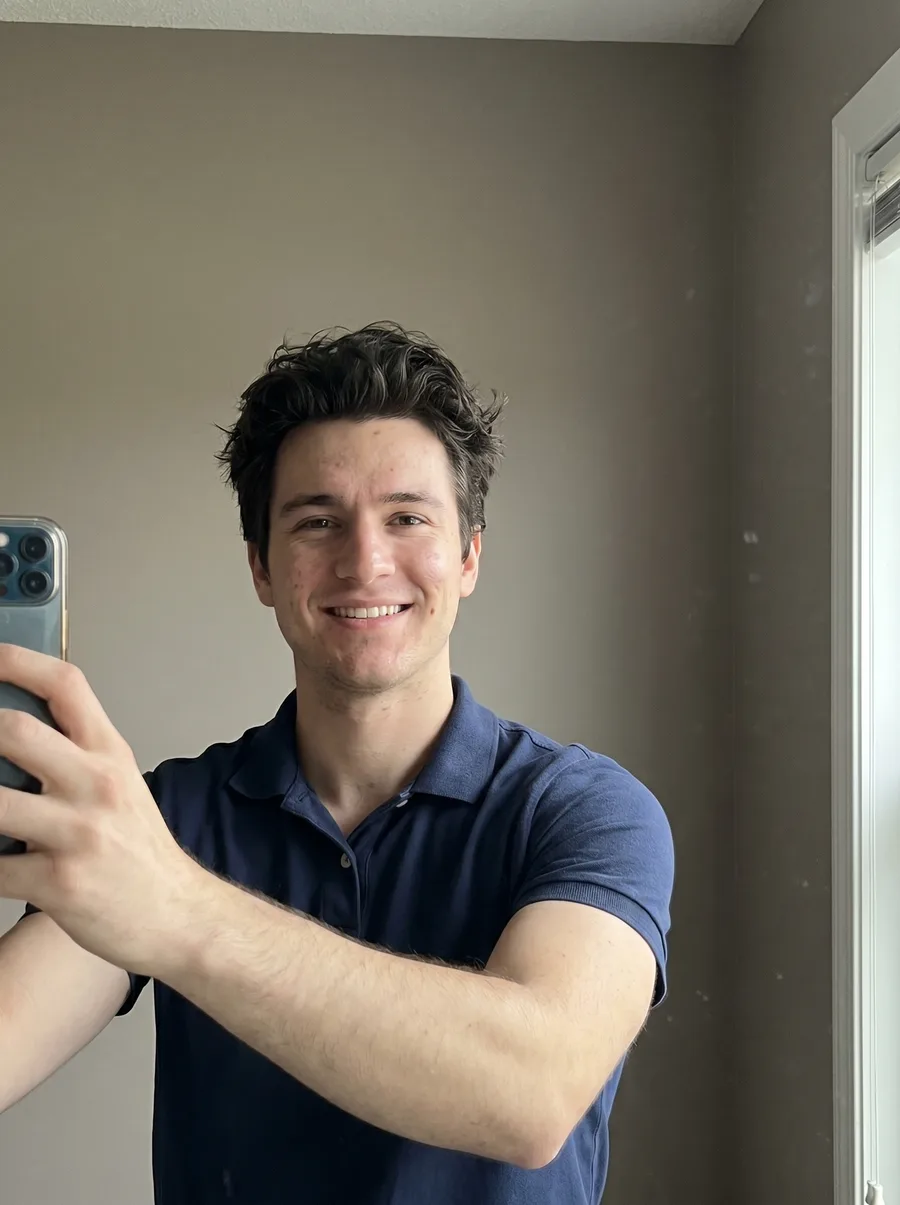
Use a phone selfie or existing profile photo with your face visible and good lighting.
Choose the right style
Pick wardrobe, background, and crop direction that fits Sales reps, account executives, and SDR teams.
Download usable results
Export multiple polished headshots for LinkedIn, websites, resumes, and directories.
Style direction
These defaults keep the result polished, specific to the role, and practical for public professional profiles.
Structured blazer over plain shirt for AE/Enterprise — adds shape without distracting
Open-collar shirt or quality knit for SDR/MM — approachable while still polished
Solid navy, charcoal, or soft grey wardrobe — jewel tones (emerald, burgundy) work well for headshots and signal confidence on darker skin
Direct eye contact with a genuine soft smile — "I want to help" reads better than "I want to close"
Background: neutral grey or soft office texture with subtle depth — avoid sales-floor or trophy-wall clichés
Skip the obvious sales tells: oversized smile, sales-y polished sheen, tightly-knotted bright tie
FAQ
What style converts better for cold LinkedIn outreach?
Across prospect demographics, the photo that converts best is warm-direct with calm wardrobe. Glamour-styled and overly polished photos actually decrease reply rates — prospects read them as "salesperson" and pattern-match to ignore. A photo that looks like the version of you on the discovery call reads as a real person and gets higher reply rates.
Different style for enterprise vs SMB sales?
Yes. Enterprise AEs benefit from slightly more formal styling (blazer, structured wardrobe) because they sell to executives who expect a tier match. SMB and MM reps can go more casual (knit, open collar) because rapport matters more than tier signal. SDRs sit between — clean, polished, but not corporate-stuffy.
Can the whole sales team get matching photos?
Yes, and we recommend it. Same background, lighting style, and wardrobe palette across the team means LinkedIn searches return your AEs looking like a real team, not a collection of personal photos. Refresh quarterly as the team grows — much easier than scheduling a studio session.
Ready to create headshots for Sales reps, account executives, and SDR teams?
Start with one upload, compare several styles, then use the strongest version across the profiles that matter.