AI headshots for legal profiles
AI Headshots for Lawyers
Generate credible AI headshots for lawyer bios, firm websites, LinkedIn, court directories, and conference speaker pages — without booking a downtown studio session.
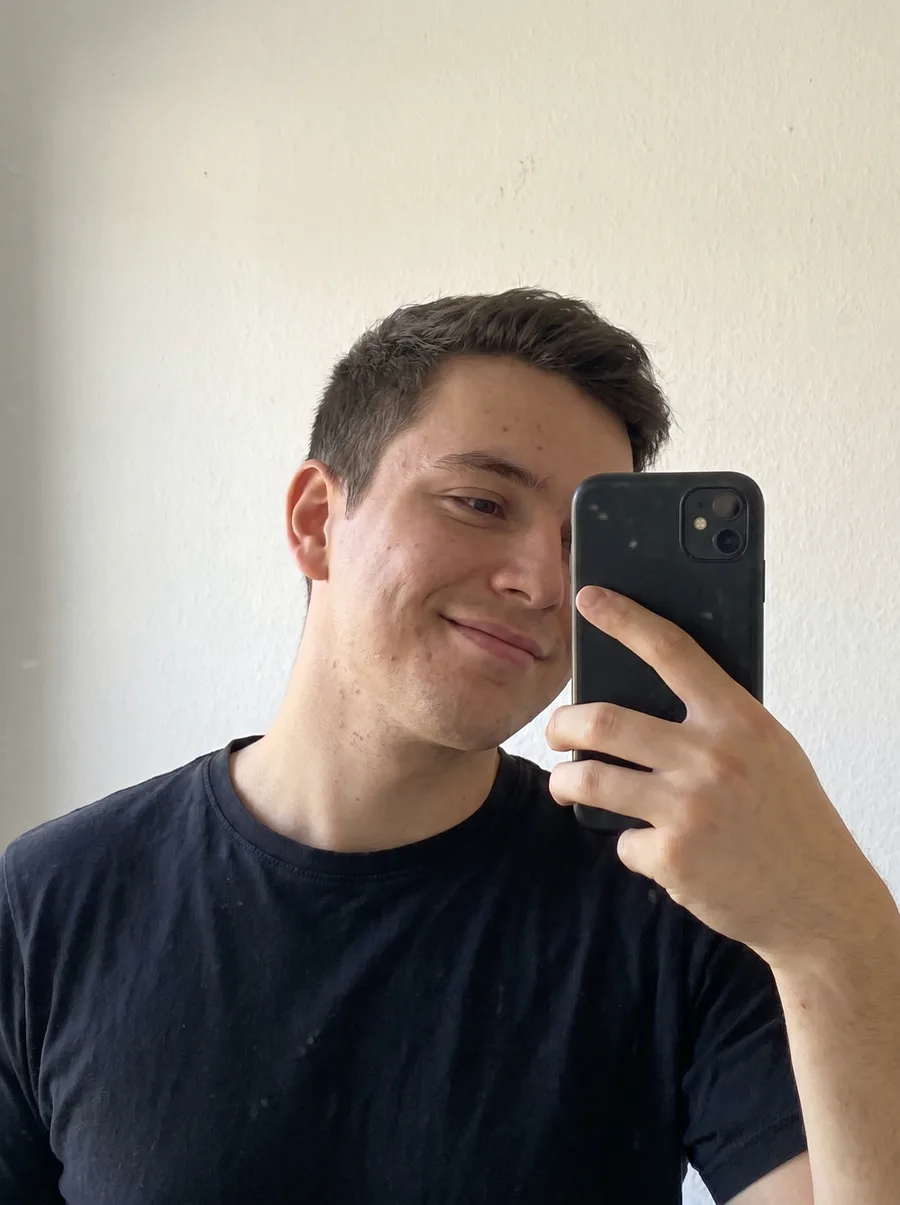
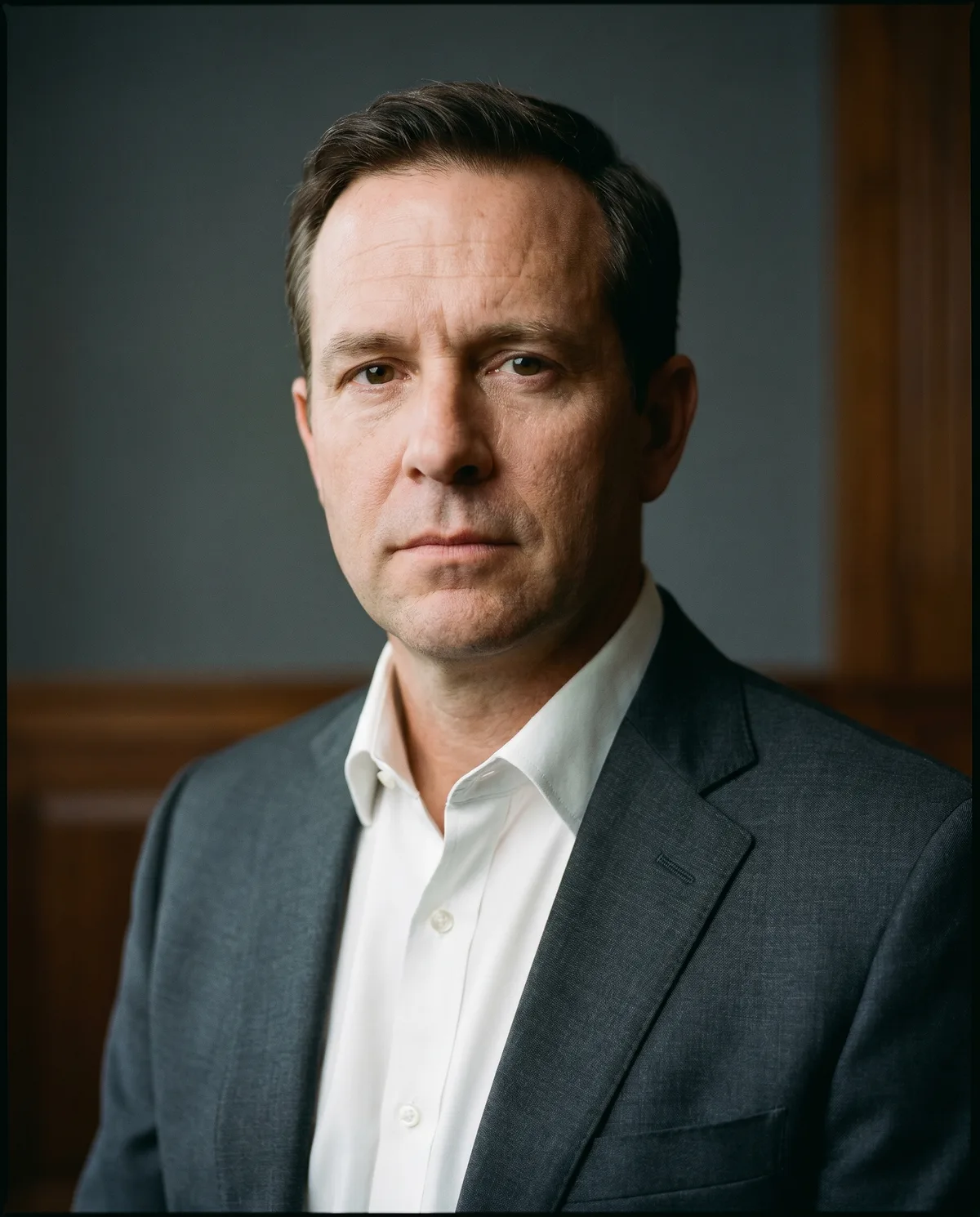
Built for Lawyers and legal professionals
Professional photos shaped around real profile needs.
Get headshots that match the places your photo actually appears: applications, directories, team pages, social profiles, and client-facing bios.
Partner and associate bio photos on firm websites
LinkedIn photos for legal recruiters and counsel
Bar directory and court listings
Speaker bios for CLE conferences and panels
Upload one clear photo
Use a phone selfie or existing profile photo with your face visible and good lighting.
Choose the right style
Pick wardrobe, background, and crop direction that fits Lawyers and legal professionals.
Download usable results
Export multiple polished headshots for LinkedIn, websites, resumes, and directories.
Style direction
These defaults keep the result polished, specific to the role, and practical for public professional profiles.
Suit jacket with plain shirt — tie optional
Conservative crop, head-and-shoulders
Direct, composed expression — no overt smiling
Neutral or wood-panel background that reads "firm"
FAQ
Are these acceptable for firm bio pages and bar directories?
Yes. The output is built for public-facing legal profiles — firm websites, LinkedIn, bar directories, CLE speaker pages, and chambers listings. Stick to conservative wardrobe styles when generating to fit the format.
How do I avoid the over-edited "AI look" that hurts credibility?
Choose restrained studio styles, neutral backgrounds, and a direct expression. Avoid heavy retouching styles. Clients and opposing counsel notice when a headshot looks like a stylized avatar instead of a portrait.
Can a whole firm get consistent associate photos?
Yes. Use matching backgrounds, wardrobe direction, and lighting style so the firm directory looks coherent. This is much faster than scheduling a group shoot and easier to refresh when new associates join.
Ready to create headshots for Lawyers and legal professionals?
Start with one upload, compare several styles, then use the strongest version across the profiles that matter.